
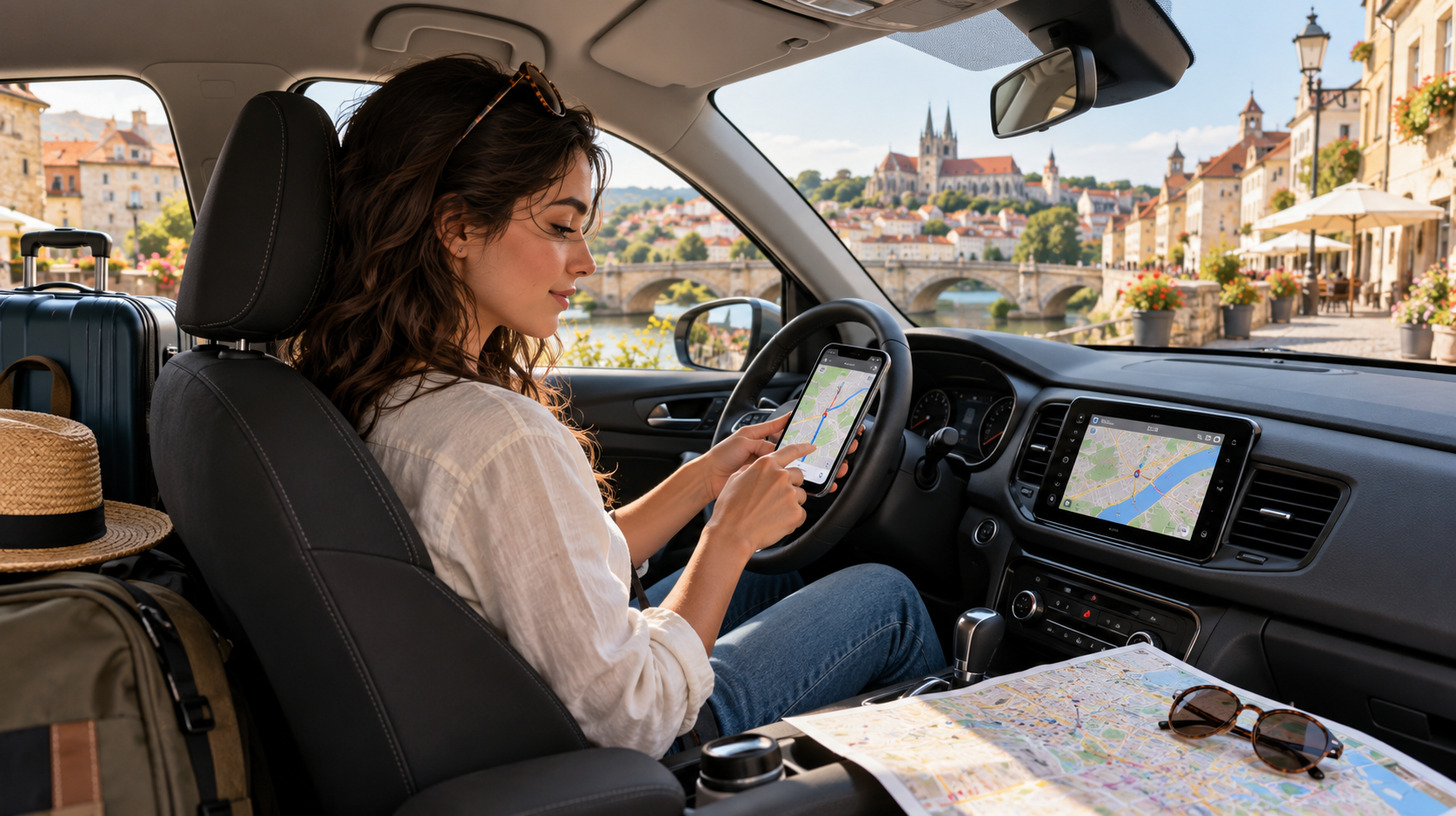
You’ve picked up your rental car, left the airport, and missed your first turn. Then your phone loses signal. Of course, not every trip starts at a rental counter. You might be driving your own car across a border or considering buying one abroad, with details like those covered at https://lifeinsaudiarabia.net/qatar-car-import-saudi/ to figure out before setting off.
Whatever your plans, unfamiliar roads bring the same headaches: wrong turns, unexpected traffic, and confusing parking rules. A few good driving apps can make all of that easier.
Navigation and offline maps
Google Maps is a solid first download. It handles routes, traffic, and nearby stops in many destinations. Save an offline map before you leave Wi-Fi. You’ll still get driving directions in covered areas, but not live traffic updates.
Waze is useful when you’re online. Drivers share reports of crashes, closures, and other hazards. For remote routes, try HERE WeGo or Sygic as a backup. Both offer downloadable maps, though Sygic charges for features such as voice guidance. Check map coverage for your destination first.
Why driving apps help abroad
A good map gets you moving. Other apps help you find fuel, avoid traffic, park legally, and choose a place to stop. That means less time circling unfamiliar streets and more time enjoying the drive.
Still, your phone can’t replace local knowledge. Check road rules, tolls, and low-emission zones before you set off. You may also need an International Driving Permit alongside your regular license.
Things get a little more complicated if you’re bringing a car across a border rather than renting one. For example, if you’re considering buying a car in Qatar and importing it into Saudi Arabia, read the step-by-step guide here before making arrangements.
Fuel, charging, and rest stops
A long stretch of road feels much longer when the fuel light comes on. Search Google Maps for nearby stations and check opening hours before heading into rural areas. GasBuddy compares fuel prices in the US and Canada.
Renting an electric car? PlugShare shows charging points, plug types, and driver reviews across many countries. Read recent check-ins, not just the station listing. And plan breaks before you’re tired, especially where service areas are far apart.
Parking without the headache
Parking rules can change from one street to the next. Parkopedia helps you compare garages, prices, and restrictions in cities around the world. Don’t assume every space shown is available right now.
EasyPark lets you pay for parking in supported areas across much of Europe and beyond. In the US and Canada, SpotHero can reserve a garage ahead of time. Always check the street signs and the parking zone before paying.
Apps for driving abroad
Planning a road trip
The best detours rarely happen when you’re rushing. Roadtrippers helps you build a route around scenic stops, food, and attractions. Its destination content focuses on the US, Canada, Australia, and New Zealand, so check coverage before subscribing.
For a wider trip, use Google Maps to save places and TripIt to keep car rental, hotel, and flight details together. TripIt also lets you view saved plans offline. Leave some space in the schedule for a stop you didn’t see coming.
Finding food along the way
You can do better than a highway service station. Google Maps and Tripadvisor can help you spot local restaurants, read reviews, and check hours. Look at recent photos and comments rather than relying on the star rating alone.
If a place looks promising, save it while you have a signal. A small café in the next town might be worth the extra ten minutes.
Booking a place to stay
Booking.com and Airbnb make it easier to find a room when plans change. Filter for parking, then read the details. “Parking available” doesn’t always mean free parking, and a garage may have height limits.
Check the latest arrival time too. After a long drive, the last thing you want is a locked reception desk.
Translation when you need it
Google Translate can help with signs, parking machines, and a quick conversation with a local. Its camera tool reads printed text, and you can download supported languages for offline use.
Translate while you’re parked, not while driving. If you’re unsure about a road sign, follow the official rules rather than trusting an imperfect translation.
Before you go, download your maps, save your bookings, and pack a phone charger. Mount your phone, start the route, and enjoy the drive.